PDFMerge vs Adobe Acrobat: Which PDF Merger Is Right for You?
When you need to merge PDFs, the decision often comes down to this: do you want a focused browser tool that does a few jobs quickly and privately, or a full desktop suite that can handle almost any PDF task? That choice is exactly what this article is about. PDFMerge is a browser-based tool from RSJ Software GmbH that merges, sorts, splits, and rotates PDFs locally in your browser. Adobe Acrobat is a feature-rich desktop and cloud PDF suite used across industries. Both can merge PDFs — but they target very different workflows, budgets, and privacy requirements.
This guide compares PDFMerge and Adobe Acrobat on the points that matter most when you just want to combine, reorder, or split PDFs: ease of use, automation, security, price, and integration.
The PDF Tool Landscape: Browser vs Desktop
PDF tools broadly fall into two camps.
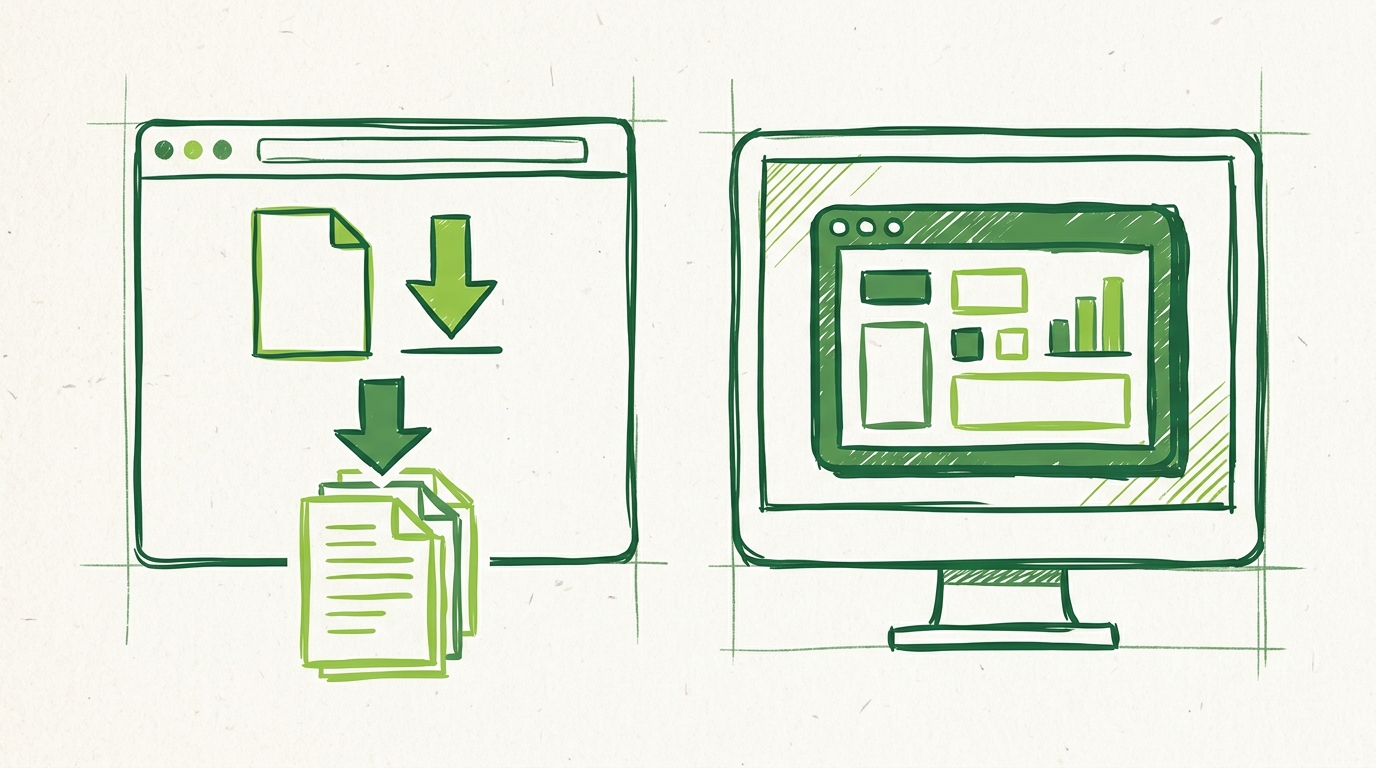
The first camp is browser-based tools like PDFMerge. You open a web app, drag in files, arrange pages, and download the result. There is no installer, no license manager, and no waiting for a large desktop application to start. PDFMerge is a good example of this model: it runs entirely in the browser and processes files locally, so the workflow stays close to the task at hand.
The second camp is desktop and cloud suites like Adobe Acrobat. These tools offer deep PDF editing, forms, OCR, digital signatures, redaction, and document management. They are powerful, but they also bring more interface, more options, and usually a higher price. If you only need to merge, sort, rotate, or split PDFs, a big suite can feel like more than you need.
Many users start with a simple question: can I combine these files without uploading them anywhere? That privacy angle is covered in more detail in our guide to the best PDF merge tool for privacy-conscious users. For now, the key difference is that browser tools like PDFMerge are built for a narrow, frequent task, while Adobe Acrobat is built for end-to-end PDF management.
Selection Criteria: What Matters When Choosing a PDF Merger
When you compare a lightweight merger with a desktop heavyweight, a few criteria decide which one fits.
Ease of use
PDFMerge uses a drag-and-drop thumbnail sidebar. You drop files in, see every page as a thumbnail, and then drag pages to reorder them, rotate them, or remove them. There is very little learning curve. You can go from a stack of PDFs to a finished merged file in under a minute.
Adobe Acrobat also supports merging and page operations, but the interface is packed with tools. That is valuable when you need advanced editing, but it can slow down a simple merge while you locate the right panel or wait for the application to load.
Automation
PDFMerge includes a Chrome extension that captures the PDF in the active tab — whether it is a direct PDF link or a PDF embedded in the page — and hands it to the web app for merging, sorting, and splitting. This is useful when you receive PDFs through a browser-based document system or want to grab a PDF without downloading it manually.
Adobe Acrobat does not have a dedicated Chrome extension for capturing PDFs from the active tab. It does have a web app and mobile apps, but the workflow is more manual if you are already working in Chrome.
For a closer look at the extension workflow, see how to automate PDF merging with a Chrome extension.
Security and privacy
PDFMerge processes PDF files entirely in the browser. Your documents are never uploaded to a server for merging, sorting, or splitting. This matters if you handle contracts, personal records, or internal business documents.
Adobe Acrobat can process files locally on the desktop, but many cloud features involve uploading documents to Adobe Document Cloud. If your organization allows cloud processing, that may be fine. If you need strict local-only handling, PDFMerge’s model is simpler to reason about.
Price
PDFMerge has a free tier for documents up to 100 pages. Paid plans lift the page limit and unlock ZIP features. The pricing is much lower than a full Acrobat subscription:
# PDFMerge paid plan pricing
basic:
  monthly_eur: 2.99
  yearly_eur: 19.99
  lifetime_eur: 49.99
pro:
  monthly_eur: 3.99
  yearly_eur: 29.99
  lifetime_eur: 69.99
free:
  page_limit: 100
  zip_support: false
Adobe Acrobat uses a subscription model, with Adobe’s standard desktop plans typically starting around $12.99/month in the U.S. Pricing varies by region and plan. There is a 7-day free trial, but no permanently free tier for basic merging.
For a deeper look at whether PDFMerge’s paid upgrade makes sense, see PDF Merge Pro pricing: is it worth the upgrade?.
Integration
PDFMerge offers an Enterprise white-label option, so businesses can integrate merging, sorting, and splitting into their own website or product. This is useful for SaaS products, portals, or internal tools that need PDF handling without sending files to a third-party server.
Adobe Acrobat integrates with other Adobe products and enterprise document systems, but it is not typically something you embed as a white-label merger.
Side-by-Side Comparison: PDFMerge vs Adobe Acrobat
| Feature | PDFMerge | Adobe Acrobat |
|---|---|---|
| Platform | Browser-based web app + Chrome extension | Desktop, cloud, web, and mobile apps |
| Merge PDFs | Yes | Yes |
| Sort, rotate, delete pages | Yes, via drag-and-drop thumbnails | Yes |
| Split PDFs | Yes | Yes |
| ZIP support | Pro tier: merge ZIP archives of PDFs and download results as ZIP | Yes, available in Acrobat Pro |
| Chrome extension | Yes, captures PDFs from active tab | No dedicated extension |
| Local processing | Yes, files never upload to a server | Local desktop processing available; cloud processing optional |
| Free tier | Up to 100 pages | 7-day free trial |
| Pricing | Basic from €2.99/month or €49.99 lifetime; Pro from €3.99/month or €69.99 lifetime | Subscription, typically from around $12.99/month |
The biggest differences are local processing and cost. PDFMerge keeps files in the browser, while Adobe Acrobat’s cloud features may involve uploads. For a simple merge, PDFMerge is faster to open and cheaper to buy. Adobe Acrobat only becomes the better value when you need the full editing suite.
Verdict: Who Should Choose Which?
Choose PDFMerge if:
- You primarily need to merge, sort, rotate, remove pages, or split PDFs.
- You want a simple drag-and-drop interface without a learning curve.
- You care about privacy and do not want your PDFs uploaded to a server.
- You work in Chrome and want a one-click extension to grab PDFs from the active tab.
- You want a free tier for small documents or a low-cost lifetime license.
Choose Adobe Acrobat if:
- You need advanced PDF editing such as forms, OCR, digital signatures, or redaction.
- You work in a corporate environment with existing Adobe licenses and document workflows.
- You need comprehensive document management beyond merging and splitting.
- Your team already uses Adobe’s cloud and collaboration features.
Many users can start with PDFMerge’s free tier and upgrade only if they need unlimited pages or ZIP file merging and ZIP export. If you need to integrate PDF merging into your own product, PDFMerge’s Enterprise white-label option is worth exploring.
FAQ: Common Questions About PDFMerge vs Adobe Acrobat
Is PDFMerge completely free to use?
PDFMerge offers a free tier that supports documents up to 100 pages. For unlimited pages and ZIP file merging/splitting, you need a paid plan: Basic or Pro.
Does PDFMerge upload my PDF files to a server?
No. PDFMerge processes all PDF files locally in your browser. Your documents never leave your device, ensuring privacy and security.
Can I use PDFMerge on a Mac or Linux computer?
Yes. PDFMerge is a web app that runs in any modern browser, so it works on Windows, macOS, Linux, and Chrome OS. There is also a Chrome extension for quick access.
Does Adobe Acrobat have a browser extension like PDFMerge’s Chrome extension?
Adobe Acrobat does not have a dedicated Chrome extension for capturing PDFs from the active tab. PDFMerge’s extension lets you grab a PDF from the current page and open it directly in the merge tool.
Conclusion: Making the Right Choice for Your PDF Workflow
PDFMerge and Adobe Acrobat solve different problems. PDFMerge is lightweight, privacy-focused, and affordable, with a free tier for documents up to 100 pages and paid plans that cost far less than a full Acrobat subscription. Adobe Acrobat is powerful, but heavier and pricier, and its cloud features may not fit every privacy requirement.
If your main task is merging, sorting, rotating, removing pages, or splitting PDFs, PDFMerge offers a streamlined solution without uploads. You can try the free tier immediately and upgrade only if you need unlimited pages or ZIP features. Current lifetime licenses are available for Basic at €49.99 and Pro at €69.99.
Related posts
- Best PDF Merge Tool for Privacy-Conscious Users
- PDF Merge Pro Pricing: Is It Worth the Upgrade?
- How to Automate PDF Merging with a Chrome Extension