PDFMerge Chrome Extension Review: Is It Worth It?
Choosing a PDF tool often means accepting a trade-off. Do you install a heavyweight desktop suite for full control? Do you use a web converter and upload sensitive documents to a third-party server? Or do you grab a lightweight browser extension and hope it covers your workflow?
PDFMerge from RSJ Software GmbH sits between those categories. It is a browser-based web app at https://pdfmerge.rsj.de with a companion Chrome extension, and it handles merging, sorting, page removal, rotation, and splitting entirely in the browser. This review compares PDFMerge with the broader PDF tool landscape and answers the practical question: is the PDFMerge Chrome extension worth installing?
I’ll focus on the decision criteria that matter for day-to-day PDF work: ease of use, automation, security, price, and integration.
The PDF Tool Landscape: What Are Your Options?
Most PDF tools fall into one of three groups.
Desktop PDF suites such as Adobe Acrobat or Foxit are powerful and can handle forms, OCR, redaction, digital signatures, and complex page operations. The downside is usually cost, installation overhead, and a heavier interface than needed for simple merge/sort/split tasks.
Online PDF web apps such as Smallpdf or iLovePDF are convenient and often have broad feature sets. The main concern is privacy: your PDFs typically leave your machine and are processed on the provider’s infrastructure. For personal documents, contracts, or legal files, that can be a blocker.
Browser extensions offer one-click access from the toolbar. They are convenient, but many are single-purpose tools with limited page controls, and some still upload files behind the scenes.
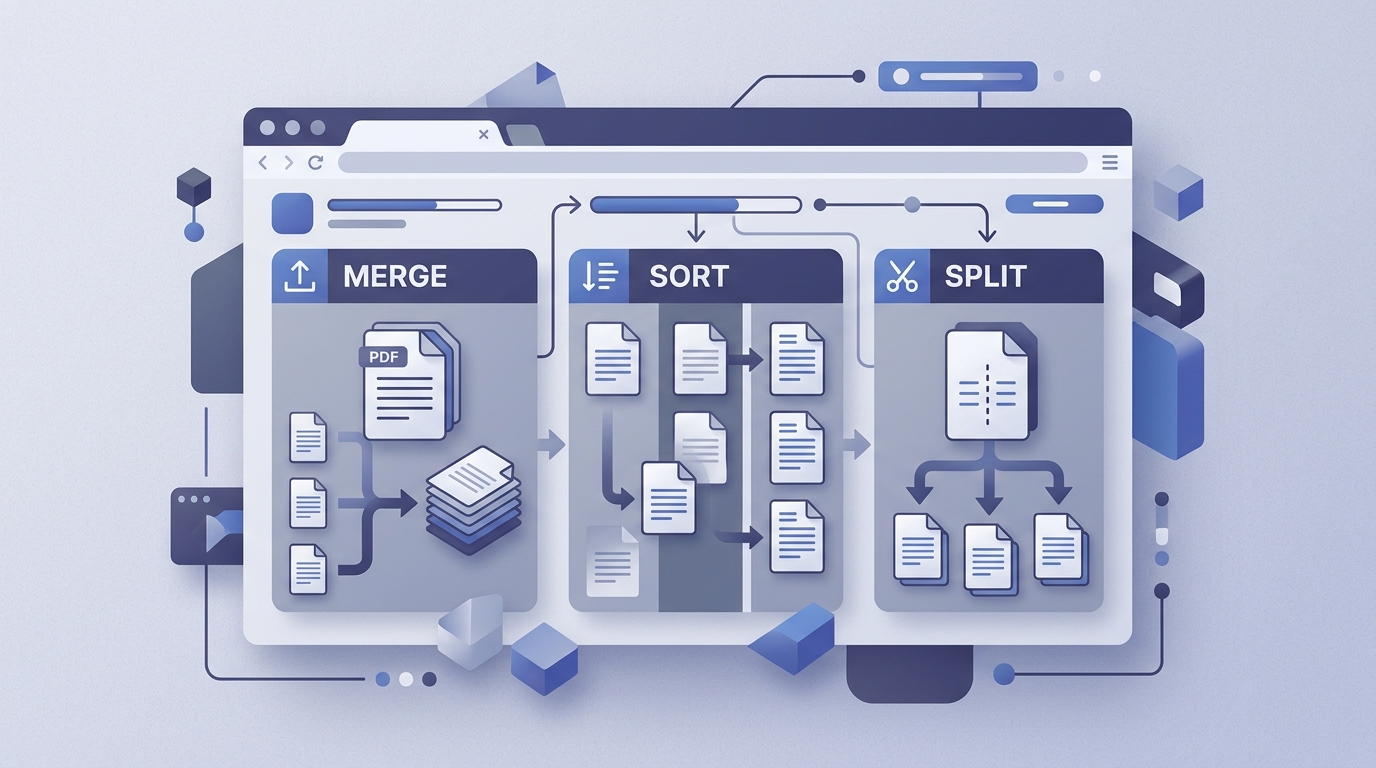
PDFMerge is best understood as a hybrid. It has the full-page workflow of a web app—drag-and-drop thumbnails, page reordering, rotation, deletion, splitting, and custom text page insertion—plus a Chrome extension that captures the PDF from the active browser tab and hands it to the web app. The processing stays local, which is uncommon in this space.
If you are new to page splitting itself, see What Is a PDF Splitter and How Does It Work?. For a developer-focused view, see Best PDF Merge Tools for Developers: A Comprehensive Review.
Key Criteria for Choosing a PDF Tool
Here are the criteria I use when comparing a PDF tool for everyday document work.
Ease of use
PDFMerge uses a drag-and-drop thumbnail sidebar for reordering pages. You can rotate or delete pages directly from that sidebar, then merge multiple PDFs or split a document into separate files. There is no import wizard or multi-step upload process. For example, you can capture a PDF from a browser tab, drag pages into a new order, rotate a page, delete another, and split the result without leaving the browser.
Automation
The Chrome extension is the automation layer. One click captures the PDF in the active tab—either a direct PDF link or a PDF embedded in the page—and passes it to the web app for merging, sorting, or splitting. This removes the download-then-reupload step that most web apps force on you.
For a step-by-step look at that workflow, see Merge PDFs Directly from Chrome with This Extension.
Security
PDFMerge processes PDF files entirely in the browser. Files are never uploaded to a server. This matters for contracts, personal records, or any document you do not want sitting on a third-party service. I’ve covered the browser-only processing model in more detail in Is PDFMerge Safe? A Look at Its Browser-Only Processing.
Price
PDFMerge has a free tier that supports documents up to 100 pages. Paid licenses lift the page limit and unlock ZIP features. The plan structure looks like this:
# PDFMerge plan capabilities at a glance
free:
  page_limit: 100
  merge: true
  view: true
  sort: true
  remove: true
  split: true
  zip_merge: false
  zip_export: false
basic:
  page_limit: unlimited
  merge: true
  view: true
  sort: true
  remove: true
  split: true
  zip_merge: false
  zip_export: false
pro:
  page_limit: unlimited
  merge: true
  view: true
  sort: true
  remove: true
  split: true
  zip_merge: true
  zip_export: true
Basic starts at €2.99/month, €19.99/year, or €49.99 lifetime. Pro starts at €3.99/month, €29.99/year, or €69.99 lifetime. Pro adds the ability to merge ZIP archives containing PDFs and save the resulting documents as a ZIP of individual PDFs.
Integration
The Chrome extension’s web app URL is configurable in its options page. That means the extension can point at the standard PDFMerge web app or a different deployment if you are using the white-label Enterprise option. Enterprise is aimed at integrating PDFMerge into your own website or product, with pricing available from sales.
PDFMerge vs. Other PDF Tools: Side-by-Side Comparison
The table below compares PDFMerge with common PDF tool categories. For PDFMerge, the facts come from the product’s published feature set. For other tools, I’m using general knowledge and keeping claims broad.
| Tool | Platform | Key Features | Security | Pricing |
|---|---|---|---|---|
| PDFMerge | Web app + Chrome extension | Merge, sort, rotate, delete pages, split, insert custom text pages; Pro adds ZIP merge/export | Local browser processing; no server upload | Free up to 100 pages; Basic from €2.99/month; Pro from €3.99/month; Enterprise custom |
| Adobe Acrobat | Desktop/mobile | Broad PDF editing, forms, OCR, signatures, page operations | Local installation; security depends on cloud features | Subscription-based; typically higher cost |
| Smallpdf | Online web app | Merge, split, compress, convert, e-sign; broad online toolset | Files uploaded to provider; check privacy policy | Limited free tier; paid plans |
| iLovePDF | Online web app | Merge, split, compress, convert, organize pages | Files uploaded to provider; check privacy policy | Limited free tier; paid plans |
| Other browser extensions | Browser extension | Varies; often single-purpose merge or extraction | Varies; some may upload files | Often free with limitations or paid upgrades |
The key difference is not raw page operations—it is where the processing happens and how files get into the tool. PDFMerge’s local processing and tab-capture extension make it feel closer to a desktop utility than a typical web converter.
Verdict: Who Should Choose PDFMerge?
Choose PDFMerge if you regularly merge, sort, rotate, remove, or split PDFs and you want that work to stay on your machine. It is especially practical for Chrome users who open a PDF in the browser and want to get it into a merge or split workflow with one click.
The free tier is a low-risk way to test the workflow. If you regularly exceed 100 pages or need ZIP archive features, the Pro plan is the logical upgrade. Basic covers the core page operations without the ZIP features.
PDFMerge is not the right tool if you need advanced PDF editing such as form filling, OCR, redaction, or digital signatures. Those features belong to desktop suites or specialized online platforms. It is also not the best fit if you prefer to avoid browser-based workflows entirely.
FAQ
Is PDFMerge free to use?
Yes, PDFMerge offers a free tier that supports documents up to 100 pages. For unlimited pages and ZIP file features, you can upgrade to a paid plan starting at €2.99/month.
Does PDFMerge upload my PDFs to a server?
No, PDFMerge processes all PDF files entirely in your browser. Your documents are never uploaded to any server, ensuring your data remains private and secure.
Can I use PDFMerge without the Chrome extension?
Yes, PDFMerge is a web app accessible at https://pdfmerge.rsj.de. The Chrome extension is an optional companion that lets you capture PDFs from the active tab with one click and send them to the web app.
What are the differences between Basic and Pro plans?
The Basic plan includes merging, viewing, sorting, removing, and splitting PDFs. The Pro plan adds the ability to merge ZIP archives containing PDFs and download the resulting PDFs as a ZIP file. Pro also removes the 100-page limit.
Conclusion
PDFMerge is a focused tool for a specific job: merging, sorting, rotating, removing, and splitting PDFs without uploading them to a server. The Chrome extension removes the manual download-and-reupload step, and the local processing model is a strong reason to choose it over many online converters.
If you need quick, privacy-friendly PDF page work, the PDFMerge Chrome extension is worth installing. Start with the free tier at PdfMerge and upgrade to Pro if you hit the page limit or need ZIP archive support. You can find the extension in the Chrome Web Store at https://chromewebstore.google.com/detail/rsj-pdf-merge-sort-split/mmpnjifpgpeolejimnoleapfomcacchg.
Related posts
- What Is a PDF Splitter and How Does It Work?
- Best PDF Merge Tools for Developers: A Comprehensive Review
- How to Combine Legal PDFs Securely in Your Browser