What Is Page Provenance in PDF Documents?
You merge six files into one report, page 34 lands in front of a client, and someone asks: “Where did this page come from?” If the PDF can’t answer, you start opening source files one by one and comparing headings.
Page provenance exists to turn that question into a one-second lookup instead of a twenty-minute hunt.
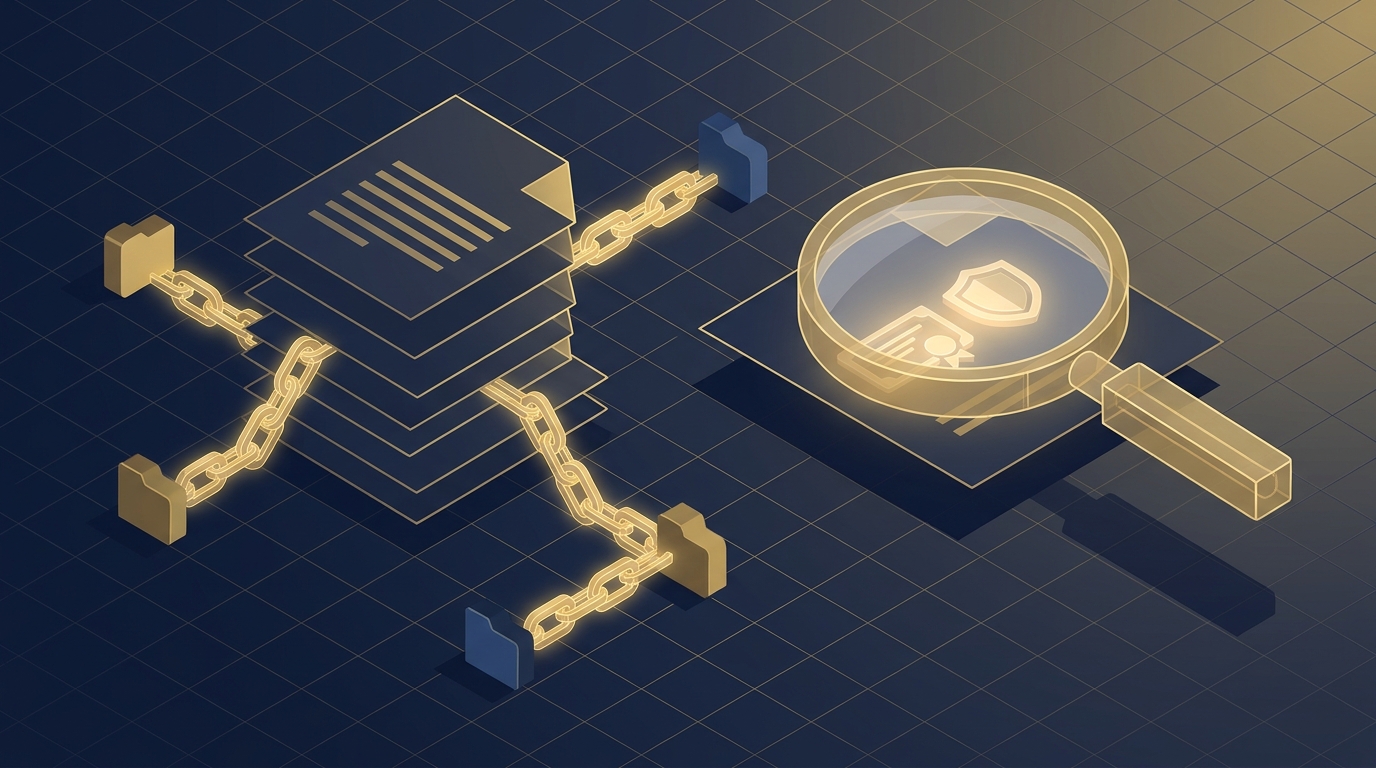
Short answer: page provenance is the record of where each page in a PDF originated — the source file and the page number inside that file. It is information about origin, not about content. It doesn’t change what a page looks like; it changes what you can find out about it later.
This article explains the concept, why it matters when you merge or split documents, and how RSJ PdfMerge handles it — all in plain language, with a practical view of when you should care.
The Question in Plain Language
A PDF is a container of pages. When you build that container from several sources — contracts, invoices, appendixes, signed scans — the pages get copied into a new file and, in most cases, the link back to their origin disappears.
Page provenance puts that link back. For every page you add, it records two things:
- the source file the page came from, e.g.
contract-2026-04.pdf - the page number within that source file, e.g. page 7
So a merged quarterly report might contain pages from eleven different files. With provenance, you can point at any page and immediately know it was page 3 of invoices-q3.pdf, page 12 of master-agreement.pdf, or page 1 of addendum-02.pdf.
Two clarifications up front, because they resolve most confusion:
- Provenance is per page, not per document. A merged file can have a hundred different origins.
- Provenance is about origin tracking, not about content. It does not describe what the page says, who wrote it, or when it was created — only where it came from.
A Real-World Analogy: The Sticky Note on Every Page
Imagine that every page you add to a merge arrives with a sticky note in the corner reading: “I came from contract-2026-04.pdf, page 7.”
When you shuffle pages, the sticky note travels with its page. When you move a page from Part A to Part B of your document, the note goes along. When you duplicate a page, both copies keep a note — because both copies really did come from the same place.
This analogy does three useful things for non-technical users:
- It makes the concept visible. People immediately understand a labelled page. Provenance is just that label, stored invisibly.
- It explains loss. Photocopy a page, scan it, paste it into another document, and the sticky note is gone. That is exactly what happens to provenance when a tool copies raw page content without carrying the origin record along.
- It explains trust. A tool that preserves the notes automatically saves you from re-attaching them by hand — which, realistically, nobody does consistently.
The one place the analogy breaks down: a sticky note is visible to anyone holding the paper, while provenance is only visible to software that knows how to read it. That is a feature, not a bug — the label doesn’t clutter the page.
How Page Provenance Works Under the Hood (Briefly)
Provenance is stored as metadata associated with each page, kept separate from the page’s visible content. Think of it as a small structured record attached to the page object rather than printed on it. Conceptually, it looks like this:
// Illustrative shape of a single page's provenance record.
// The whole idea fits in two fields: the file, and the page inside that file.
{
  file: "contract-2026-04.pdf",
  page: 7
}
A few practical points matter more than the implementation:
- It is not part of the standard PDF specification. Page provenance is a feature implemented by a specific tool, not something every PDF reader understands. Ordinary viewers simply ignore it.
- The origin travels with the page. When a page is moved into a part, duplicated, or reordered, the associated record moves with it — that is the whole point.
- It survives the round trip only if the tool writes it. RSJ PdfMerge writes provenance into exported PDFs and restores it when such a PDF is opened again in PdfMerge. Export without provenance and the output is a plain PDF with no origin data.
The takeaway is simple: provenance is only as durable as the tool handling your export.
Why Page Provenance Matters (and Common Misconceptions)
Once you start merging documents from multiple sources, provenance pays for itself in four places:
- Audit trails. In legal, HR, and compliance work, “which document does this page belong to?” is a question that comes up under deadline. Provenance answers it without re-opening source files.
- Debugging merged documents. Duplicated pages, missing appendixes, and pages in the wrong part are much easier to diagnose when every page carries a label.
- Maintaining context across a hand-off. A colleague who receives a merged PDF can see where each page originated instead of guessing from headers and footers.
- Safer splitting and re-merging. Split a large report into parts, edit one, then combine again — pages keep their origin story throughout.
Now the misconceptions. These are the ones that cause the most confusion:
“Provenance is just PDF metadata.” No. PDF metadata describes the document — author, title, creation date, producer. Provenance describes individual pages within the document. A single PDF has one set of document properties but potentially hundreds of distinct page origins.
“It’s preserved automatically by any merger.” Often it isn’t. Many tools assemble a new PDF from page content alone and discard per-page origin information in the process. If traceability matters, verify what your tool actually writes into the export.
“It’s the same as a digital signature.” Digital signatures verify integrity and signer identity. Provenance records where a page came from. You can have either without the other.
“It’s a version history.” Version history tracks how a document changed over time. Provenance tracks where its pages were born.
“It changes the PDF.” It doesn’t. Provence is metadata — it does not alter layout, fonts, or content, and it is invisible in a normal viewer.
How RSJ PdfMerge Handles Page Provenance
RSJ PdfMerge is a browser-based tool for merging, sorting, and splitting PDFs, and provenance is built into its editing model rather than bolted on afterwards.
Here is how it works in practice:
- Every page you add is tracked. Drop in PDFs (or a ZIP of PDFs on the Pro tier), and PdfMerge records the source file and page number for each page. That includes pages you duplicate, rotate, or move between parts.
- You decide at export. When you export, you can choose to include provenance data in the output PDF. Export one PDF per part, a single merged PDF, or a ZIP of all parts — and print directly from the browser.
- Reopening restores the context. Open a PdfMerge-exported PDF that contains provenance and the origin data is restored, so you can keep editing with full knowledge of where each page came from.
- The editor stays out of your way. Drag & drop reordering, multi-select with Ctrl/Cmd+click and Shift+click, splitting into titled parts, custom text pages, colour bookmarks, and undo/redo on every edit. Provenance records what you did without making you manage it.
Working entirely in the browser matters here too. A cloud-based PDF merger often requires you to upload the file to a server, which is convenient but creates a data-handling risk. PdfMerge sits between those two options. It gives you browser-based convenience without the upload step of a typical cloud merger. You do not need to install anything, and you can inspect the network behavior yourself. For background on that model, see What Is Local PDF Processing and Why Should You Care? and How to Split a PDF into Multiple Files in Your Browser.
A few practical notes:
- The free version handles documents up to 100 pages. The Pro version removes the page limit and adds ZIP import and export.
- The Chrome extension opens RSJ PDF Merge, Sort & Split from
https://pdfmerge.rsj.destraight from your toolbar, and reuses an editor tab that’s already open instead of piling up new ones. - If you’re building provenance-aware document handling into your own product, the same editor is available as an SDK (
@rsj-de/pdfmergesortsplit). The SDK code is MIT-licensed; embedding the editor is licensed per integration and volume, not per page. Test mode is free and unrestricted, with a banner marking the unlicensed embedding.
For a deeper comparison of browser-based and desktop workflows, see the article Browser-Based PDF Merger vs Desktop Software: Which Is Better?.
When to Care About Page Provenance (and When You Can Ignore It)
Provenance is not something every document needs. A quick way to decide: will anyone ever ask “where did this page come from?” within the next year?
Care about it when:
- You assemble legal documents from multiple agreements, annexes, or exhibits and need to trace any clause back to its source.
- You handle HR files — contracts, addenda, signed acknowledgements — where a page’s origin is part of the record.
- You run compliance reviews and need to show that a submitted document maps cleanly to source material.
- You split a large document into parts for different editors, then merge the parts back together and need to know what came from where.
- Several people contribute pages to one deliverable and someone has to own the final assembly.
It’s probably overkill when:
- You’re merging three scans of your own receipts into one file for personal records.
- You need a single combined PDF once, and no one will ever look inside it again.
- The document is short enough that you can eyeball every page.
The middle ground — and the most common case — is a one-off merge of client or colleague files where you don’t expect to trace anything, but you’d rather not rebuild the merge from scratch if a question comes up. In that situation, including provenance costs you one toggle at export and nothing else.
Frequently Asked Questions
What is page provenance in PDF documents?
Page provenance is a record of where each page in a PDF originated — specifically, the source file and the page number within that file. It helps you trace pages back to their original documents, especially after merging or splitting.
Does page provenance affect the visual appearance of my PDF?
No. Provenance data is stored as metadata and does not alter the visible content or layout of the pages. It is only accessible through tools that support provenance tracking.
Can I remove provenance data from a PDF if I don’t need it?
Yes. When exporting with RSJ PdfMerge, you can choose whether to include provenance data. If you don’t include it, the output PDF will not contain provenance information.
Is page provenance the same as PDF metadata?
No. PDF metadata typically includes document properties like author, title, and creation date. Page provenance is specifically about the origin of individual pages, which is a different concept.
Conclusion
Page provenance is a small idea with a large payoff: every page remembers which file it came from and which page it was. You don’t notice it while everything goes smoothly — you notice it the moment someone asks where a page originated and you can answer in one click instead of opening six source files.
It is not PDF metadata, not a digital signature, and not version history. It is origin tracking, per page, and it only survives if the tool doing your merge or split deliberately writes it into the export.
Open RSJ PDFMerge, drop in your PDFs, and export with provenance enabled the next time you assemble a document from multiple sources. Free for documents up to 100 pages; Pro for unlimited pages and ZIP archives.
Related posts
- PDF Merger With One-Time Payment: How Licensing Models Compare
- How to Split a PDF by Page Range Without Uploading It
- Adobe Acrobat vs Browser-Based PDF Combiners: A Practical Comparison